Squarespace Extensions
Featured Extensions
Sales and Marketing
Mailchimp: Email & SMS
Engage your visitors and convert more customers with AI-driven insights
Learn more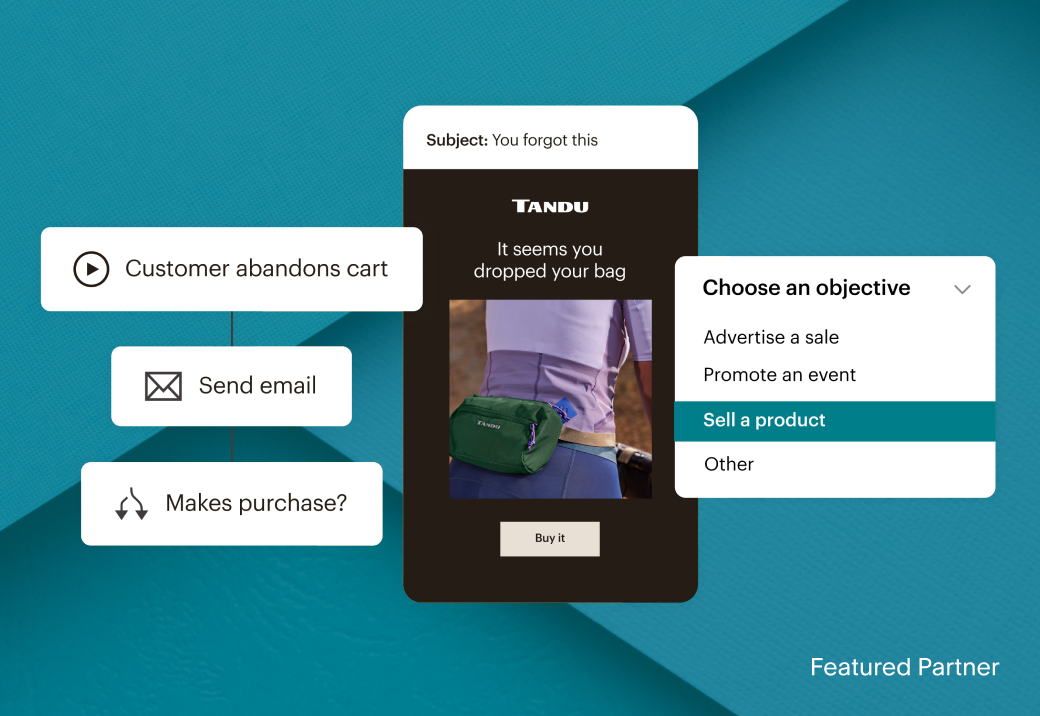
Finance
QuickBooks Online
Automatically track income, keep your sales in sync, and manage your business finances with built-in AI.
Learn more
Sales and Marketing
Weglot Translate
Translate your site into 110+ languages in minutes
Learn more
Inventory and Products
Custom Merch by Printful
Earn money selling custom products on-demand with no upfront cost or inventory
Learn more
Shipping and Fulfillment
ShipStation
Import, organize, and ship orders from over 180 channels, carriers, and fulfillment providers
Learn more
Sales and Marketing
 Mailchimp: Email & SMSAutomate emails, SMS, segment customers, convert leads, and gain valuable insights powered by AI tools
 Weglot TranslateTranslate your website into multiple languages.
 HubSpot by HotglueConnect Squarespace to HubSpot: two-way contact sync plus orders and products in your CRM.
 SEOSpaceAll-in-one Squarespace AIO and SEO tool to improve rankings, grow traffic, and attract target customers.
 Google Reviews by Common NinjaShow your real Google reviews on your site
 Facebook Reviews by Common NinjaShow your real Facebook reviews on your site
 Livechat: AI-Powered Customer SupportTurn conversations into sales with an all-in-one live chat and customer support platform
 TinyIMGSEO, Page Speed and Image optimizer to boost traffic & sales!
 EZ TextingSend Smarter text promotions and automated SMS campaigns to your customers
 ReferralCandyReferral and affiliate programs that turn trusted recommendations into sales.
 SEOSpace LocalLocal SEO extension by SEOSpace: Attract more local customers with a new SEO tool to boost visibility in Google Maps and AI search.
 HelpfulCrowdHelps to build trust, drive traffic and increase conversions with Business & Product photo & video reviews.
 ChannableEmpowering your eCommerce growth
 impact.comDrive more sales and acquire new customers with affiliate marketing.
 GoDataFeedTransform static product catalogs into dynamic product feeds for hundreds of channels like Google, Facebook, and Amazon
 MakeConnect Squarespace to Make to manage all your AI agents and automations in one visual landscape.
 Monocle SearchReal-time search with member-site search, AI answers and full design control.
 GoodAPIUse GoodAPI to easily plant trees, collect ocean bound plastic, become more sustainable, and reach eco-conscious customers.
 ActiveCampaign by HotglueSync Squarespace contacts to ActiveCampaign and keep unsubscribes in sync automatically.
 TinyCurrencyTinyCurrency makes it easy for your international customers to view prices in their local currency!
 Outfy - Social Media MarketingBoost sales and engagement by automatically posting AI Videos, sale promotions, collages & product images on social media
 Peach's Affiliate ProgramsAffiliate programs designed exclusively for Squarespace eCommerce stores.
 ProgressierTransform your Squarespace site into a mobile app and deliver push notifications
Inventory and Products
 LitCommerceEnable Multichannel Selling: Bulk List Products & Sync Orders with the top-global marketplaces such as Amazon, eBay, Etsy, Walmart, TikTok Shop, etc.
 Eventually TicketingSell tickets to your classes, workshops and events through your own checkout.
 Custom Merch by PrintfulPrint on demand for your Squarespace site powered by Printful
 SKU IQSync inventory, catalog, and orders between Squarespace and POS Platforms
 PrintiqueProfessional photo lab delivering high quality fine art prints, frames, canvas, acrylic, and metal
 SelfnamedYour plug-and-play platform to create and grow clean beauty businesses
 SpocketAdd dropshipping products from US & EU suppliers directly to your store
 TrunkMulti-channel real-time stock syncing and bundling
 TikTok Shop by ShoppeDanceSyncs product listings, orders, and inventory between Squarespace and TikTok Shop, automating inventory management and order fulfillment across platforms.
 Candid WholesaleBetter, faster online wholesale
 inFlow InventoryA complete inventory management system
 PrintifyCreate, sell, and ship custom products anywhere in the world
 Blanka - Private Label BeautyCreate and sell your own branded beauty products, with fulfillment handled by Blanka.
 Art of WhereDesign your custom printed products made on-demand. Leggings, silk scarves, t-shirts, handbags, notebooks & more
 Syncee Premium Dropshipping & WholesaleFind new dropshipping and wholesale products to sell from suppliers worldwide
 SpreadconnectConnect to the fastest Print-on-Demand app on Squarespace
 Allday OrderingAdd a seamless, branded online ordering and checkout experience to your Squarespace site in minutes.
Finance
 QuickBooks OnlineAutomatically bring Squarespace business activity into QuickBooks
 TaxJarAutomated sales tax calculations, reporting, and filing
 MYOB by AmakaAutomate your accounting with a daily sync of your Squarespace sales, payments and tax information into MYOB.
 Xero by AmakaAutomate your accounting with a daily sync of your Squarespace sales, payments and tax information into Xero.
 Avalara Sales Tax Returns and ReportingCreate ready-to-file sales tax returns
 DextSimplify, standardize and streamline your digital sales accounting with Dext Commerce (formerly Greenback)
 FreshBooksGenerate reports and automatically sync clients, items, and orders from all your sales channels
Shipping and Fulfillment
 Easyship: All-in-One ShippingSave up to 91% on shipping across 550+ courier services & boost global revenue growth 56% with this feature-rich platform
 Shipday Local DeliveryThe go-to platform for local businesses offering on-demand or same-day deliveries.
 ShipStationThe all-in-one shipping solution you’ll never outgrow
 ShipBobThe #1 ecommerce fulfillment solution
 ShippoSave time and money on shipping
 AfterShipBoost sales with branded tracking pages, proactive notifications, and actionable shipping insights
 SendcloudEasy shipping automation to help your business grow.
 Order DeskSell your Squarespace products across channels like TikTok, Amazon + more!
 Returns Center by AftershipFrictionless self-service returns management portal to give smooth returns experiences
Connected Services
Instagram
LinkedIn
Pinterest
YouTube
X
Facebook
Frequently asked questions
Extensions, or plug-ins, are a collection of third-party tools to enhance your Squarespace website. These extensions allow you to connect Squarespace with other platforms to help streamline shipping, sell products across the web, market your store, and more.
Yes, an extension is the Squarespace equivalent of a plugin, add-on, or app. Instead of visiting an App Store you can find and connect third-party tools on Squarespace Extensions.
To connect an extension, tap or click Connect to Site. You must be logged in to connect it. Select the site you want to connect to the extension and carefully review the extension’s permissions and terms before allowing access. Learn more about adding an extension to your Squarespace website here.
Extension prices vary. Some have a monthly or per-use fee. Others may offer a free plan or a trial period. To review pricing, visit the extension’s page. Squarespace doesn’t charge you for using extensions and doesn’t have any control over the extension’s pricing.
When you connect an extension, you’ll need to authorize access to your site’s information. Any information that you authorize is subject to the extension’s terms of service, privacy notice, or similar terms. Make sure to fully review these policies before authorizing an extension to access your site. While Squarespace keeps your account and site secure, it’s your responsibility to ensure you trust the extension you’re connecting.
If you have an issue with an extension, reach out to the extension provider’s support team via the link on the extension’s details page. The extension provider is solely responsible for providing all support, maintenance, and technical assistance with the service provided through the extension.
The extensions listed in Squarespace Extensions are provided by third parties and not Squarespace. If you connect an extension to your site, the relationship is between you and the applicable third-party extension provider. Your use of the extension and their services is governed by the extension provider’s terms of service, privacy notice, or similar terms. They’re not subject to the Squarespace’s Terms of Service, Privacy Policy, Data Processing Addendum, or other policies. The inclusion of an extension within Squarespace Extensions is provided without recommendation or endorsement.
While many of our extensions are available anywhere, some are only available in select countries. An extension’s supported countries and languages can be found on the extension’s page, as well as the Squarespace Extensions Help Center article.
If you’re a developer looking to learn more about Squarespace and its APIs, visit developers.squarespace.com. Here you can find the changelog, API documentation, and more information about integrating to Squarespace.
Start your free website trial today
No credit card required. Cancel anytime.